
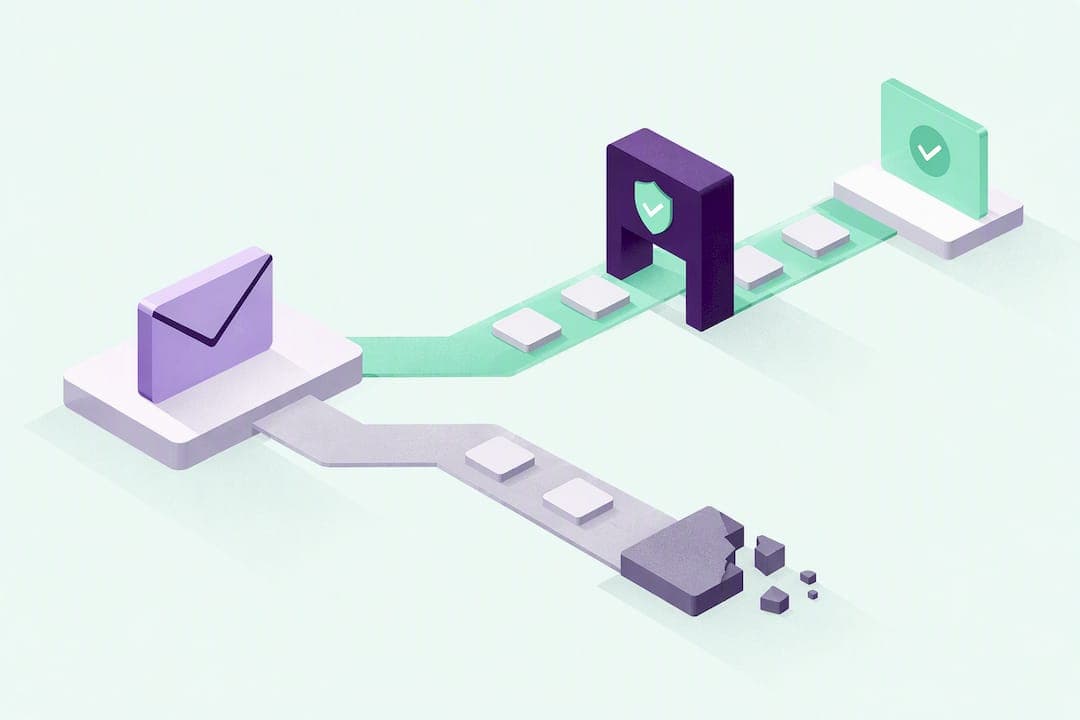
An email verification link is a unique URL sent to confirm that an email address belongs to the person who provided it. Services use it to authorize account sign-ups, password resets, and new email additions, protecting both your account security and their sender reputation. To use one, click it soon after it arrives. If you never requested it, don't click. Change your password and check your account activity instead.
TL;DR:
- Verification links use single-use, time-limited tokens that are generated, stored, validated, and then invalidated immediately after use to protect security.
- Most users receive verification emails during account creation, email additions, password resets, or linking external accounts, and suspicious messages should prompt account security checks instead of clicking.
- If verification links are missing or not working, users should check spam folders, request new links, copy URLs directly into the browser, or verify they actually triggered the email to avoid security risks.
- Developers must implement short, deliberate expiration windows, tightly bind tokens to user data, and handle cross-device scenarios to prevent abuse and improve user experience.
- Double opt-in verification reduces list complaints and improves deliverability but involves operational trade-offs like rate limiting and expiration policies to balance security and user convenience.
Table of Contents
- When Do You Get an Account Verification Email?
- How Do Verification Links Actually Work?
- Why Isn't My Verification Email Showing Up?
- What Should Developers Get Right When Building Verification Links?
- The Real Trade-Off Behind Every Verification Link
- How Notix Handles Verification, Magic Links, and OTPs
- Where to Verify These Details Yourself
- Sources
- FAQ
When Do You Get an Account Verification Email?
Most verification emails follow one of two models. Single-step confirmation verifies the address after you're already signed up, often letting you use the account with limited access until you click. Double opt-in is stricter: it blocks list additions or full account use until you confirm, which is why marketing platforms lean on it to keep contact lists clean and complaint rates low.
You'll typically see an account verification email in these situations:
- Creating a new account on a website or app
- Adding a secondary email address to an existing profile
- Requesting a password reset
- Linking an external account (Google, GitHub, a payment provider) to your profile
- Re-confirming an address after a long period of inactivity
If a verification message shows up and you didn't trigger any of these, treat it as suspicious. Google's account help documentation recommends checking your recent activity and changing your password rather than clicking the link out of curiosity.
How Do Verification Links Actually Work?
Behind every verification link is a token, a random string generated the moment you sign up, reset a password, or add an email. The server ties that token to your user ID and the specific email address being confirmed, then embeds it in a URL and emails it to you.
Here's the typical lifecycle:
- The server generates a cryptographically random token and stores it with your user ID, the target email, and an expiration timestamp.
- The email verification message goes out with a link like
yoursite.com/verify?token=abc123. - You click the link, and the server looks up the token, checks it hasn't expired, and confirms it matches the stored user and email.
- On success, the server marks the email as verified, deletes or invalidates the token, and often starts a new session automatically.
Lucia Auth's implementation guide shows exactly this pattern in code: generate, store, validate, then delete. That deletion step matters. Tokens are meant to be single-use. A token that survives after verification is a standing security liability, and expiration windows exist so a leaked or forwarded link doesn't stay valid indefinitely.
A good confirmation page tells you plainly what happened, whether it succeeded, expired, or was already used, and gives you a clear next action rather than a generic error.
Pro Tip: If a confirmation page just says "Error" with no explanation, that's a sign of lazy backend design, not necessarily a problem on your end. Try requesting a fresh link before assuming your account is broken.
Why Isn't My Verification Email Showing Up?
Missing or broken verification links are almost always fixable in under a minute. Work through these in order:
- No email at all: Check your spam or junk folder first, since automated sender addresses trigger filters more than personal email does. Wait a few minutes since delivery isn't always instant, then add the sender to your contacts and request a resend.
- Expired link: Request a new one. If you've requested several in a short window, you may be hitting a rate limit, so wait a few minutes before trying again.
- Link throws an error: Copy and paste the full URL directly into your browser's address bar instead of clicking through an email client's preview. Try a different browser or a private/incognito window, since some webmail clients rewrite links in ways that break tokens.
- You never asked for it: Don't click. This is unsolicited, so secure your account by changing your password and reviewing login activity.
Microsoft's verification guidance and Google's own support documentation both point to the same fix for most failures: resend the email rather than troubleshooting the old link.
What Should Developers Get Right When Building Verification Links?
Building the send verification link flow correctly means treating tokens as short-lived, single-use credentials, not permanent keys.
- Bind tokens tightly. Generate a random token tied to both the user ID and the specific email being verified, and store only the minimal data needed, then delete or invalidate it immediately after use.
- Pick expiration windows deliberately. Password resets warrant a short window since they protect an active security event. Initial sign-up confirmations can tolerate longer windows since the risk profile is lower. Whatever you choose, state the expiration in the email itself so users aren't guessing.
- Throttle resends. Rate limit how often a user can request a new verification email to prevent abuse and inbox fatigue, but still give an obvious "resend" button.
- Handle cross-device clicks. Firebase's email-link documentation flags a real risk: someone requests a link on their phone, then opens it on a shared or public computer. Detect that client mismatch and fall back to a secondary confirmation, like a short code, rather than assuming the click alone proves ownership.
- Write failure messages that actually help. Distinguish between "expired," "already used," and "mismatched device" instead of a single generic error.
- Track delivery and bounce metrics. Surfacing resend options directly in your support dashboard cuts ticket volume dramatically compared to telling users to email support.
Pro Tip: Validate email format with a standard like RFC 5322 before you ever send a verification message. Catching a malformed address at signup saves you a bounced email and a support ticket later.
The Real Trade-Off Behind Every Verification Link
Short expiration windows are good security hygiene, but they generate a steady trickle of "my link doesn't work" complaints from users who read email on a delay. That friction is real, and it's the tax you pay for reducing the window an attacker has to exploit a leaked link.
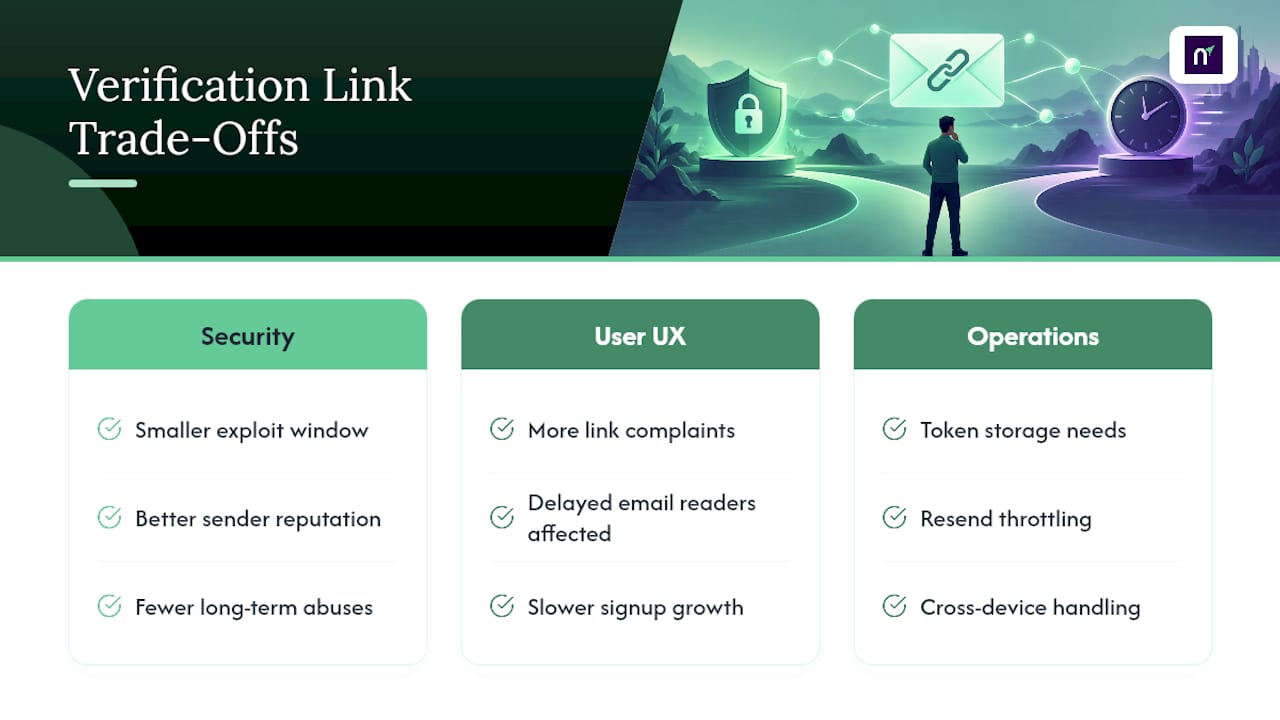
Double opt-in carries a similar tension. It slows down list growth, but it's one of the more reliable ways to protect sender reputation and keep bounce and complaint rates low over time. Teams that skip it usually pay for it later in deliverability problems.
Most of the friction here isn't about clever engineering. It's operational: token storage, resend throttling, expiration policy, and cross-device handling. Platforms that unify email sending with verification tooling tend to eliminate most of that overhead by design.
— Paul
How Notix Handles Verification, Magic Links, and OTPs
Notix builds verification directly into its messaging infrastructure instead of treating it as a bolt-on feature you have to wire together from scratch. The Email API supports account confirmation, magic-link sign-ins, and one-time codes from a single integration, and unified suppression means a bounced or unsubscribed address stops receiving both transactional and marketing messages automatically, so you're not managing two separate lists.
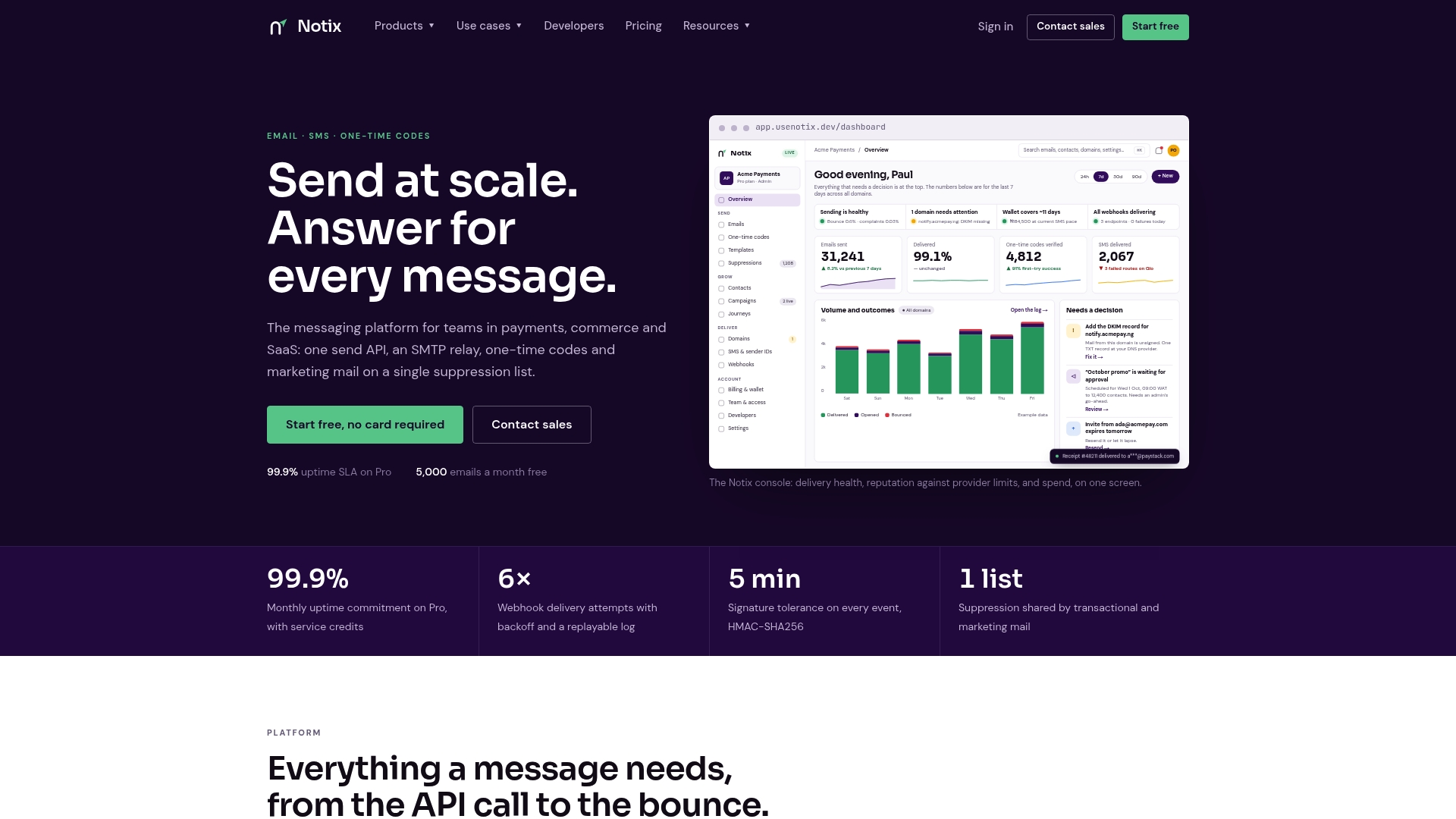
If you're weighing SMTP relay against an API approach for your own verification flow, that decision shapes how much token and retry logic you end up building yourself. Developers who want to see the setup before committing can check the pricing tiers, starting with a Free plan at $0 per month, or read the quickstart docs and send a test verification email today.
Where to Verify These Details Yourself
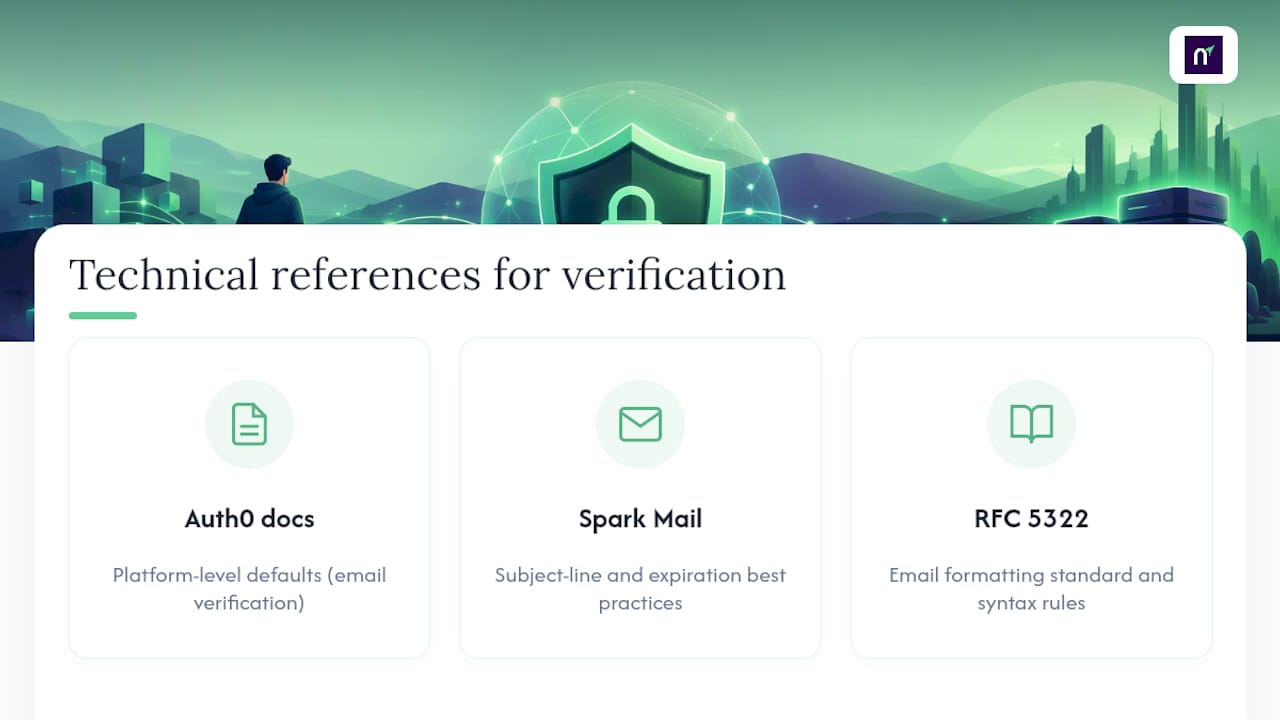
For deeper technical reference, Auth0's email verification docs cover platform-level defaults, and Spark Mail's glossary entry breaks down subject-line and expiration best practices. For email formatting standards behind the scenes, see RFC 5322.
Sources
- Verify your Google Account
- Lucia Auth — email verification links
- Firebase — email link authentication
- Verification email: Definition & best practices — Spark Mail glossary
FAQ
What Is an Email Verification Link?
It's a unique, time-limited URL sent to an email address to confirm the person who provided it actually controls it. Clicking it tells the sending service you own the address, which unlocks full account access or completes a password reset.
Why Am I Being Asked to Verify My Email?
Services request verification during sign-up, when you add a new email to an existing account, or when you reset a password, as Google's support documentation outlines. If you didn't trigger any of these actions yourself, don't click the link, and consider changing your password.
What's a Good Free Tool for Sending Verification Emails?
For developers building this from scratch, Notix's Email API includes a Free plan at $0 per month that supports verification links and OTPs without a separate integration for each. Pricing scales up from there based on volume, detailed on the pricing page.
Why Did I Get a Random Verification Email I Didn't Request?
Someone may have mistyped their own email address as yours during sign-up, or it could be an attempt to test whether your address is active. Either way, don't click the link. If it keeps happening, mark it as spam and consider contacting the sending service's support team directly.
What Happens if a Verification Link Expires Before I Click It?
Nothing is lost. You simply request a new one from the same sign-in or account settings page, and the service issues a fresh token with a new expiration window. Repeated requests in a short time may hit a rate limit, so wait a few minutes between attempts.