

A correct password reset email is short, transactional, and built around one single-use, time-limited link or code, a clear call to action, an explicit expiry, and a line telling the recipient to ignore it if they did not request it. Everything else is friction. The engineering behind that simple message, including secure token generation and rate limiting, is what actually keeps the flow safe.
TL;DR:
- Password reset links should expire within a 15 to 60-minute window and be invalidated immediately after use to limit risk exposure.
- Reset flows for high-risk accounts should include additional verification, such as two-factor authentication, to protect against inbox compromise.
- Reset emails must have clear, simple copy with a single call to action, explicit expiry, and should avoid unnecessary links or promotional content.
- Infrastructure must ensure cryptographically secure tokens, prevent account enumeration, and avoid referrer leakage to maintain security and privacy.
- Sending domains and deliverability protocols like SPF, DKIM, and DMARC are essential, along with monitoring request patterns, to prevent abuse and ensure reliable delivery.
Table of Contents
- Why password reset emails serve two goals at once
- The priority checklist for copy, UX, and basic infrastructure
- Templates and copy you can adapt today
- The engineering checklist behind a secure reset link
- Deliverability and anti-phishing setup that protects trust
- Testing, monitoring, and what to do when the flow gets abused
- How Notix approaches secure, reliable reset emails
- What the reset flow actually gets wrong most often
- Getting your reset flow running on Notix
- Sources
- FAQ
Why password reset emails serve two goals at once
Every reset email has to do two jobs that sometimes pull in opposite directions: get a legitimate user back into their account fast, and make sure nobody else can hijack that path to take the account over. Bias toward speed and you risk a reset link that never expires or a flow with no rate limiting. Bias too hard toward friction and users abandon the flow or flood support with complaints.
The right balance usually depends on what is behind the account. A newsletter platform can tolerate a slightly longer token lifetime than a payment processor or a healthcare portal. Token lifetime and reauthentication rules are the main levers here: a 15 to 60-minute expiry window is common practice, paired with a rule that the token dies the moment it is used, whether or not the reset succeeds.
For higher-risk accounts, the reset flow itself should not be the only gate. Requiring a second factor, such as a code sent to a verified phone number or an authenticator app, after the password is reset closes a gap that a compromised inbox alone would otherwise open. The OWASP Forgot Password Cheat Sheet treats password reset as a high-risk operation that deserves the same rigor as login, not a lighter-touch afterthought. That framing should guide the decision on when to add identity checks: any account tied to money movement, personal health data, or administrative privileges warrants extra verification beyond the email link itself.

The priority checklist for copy, UX, and basic infrastructure
Most teams get the cryptography right and the surrounding experience wrong. The email itself, the landing page, and the sending infrastructure all carry as much risk as the token logic, and they are easier to get wrong because they touch marketing, design, and support all at once.
Start with what the recipient actually reads:
- Use a subject line that says exactly what the email is, such as "Reset your password," sent from a recognizable, consistent address.
- Give the email one call to action: a single button or link, not a menu of options.
- State the expiry window and the one-time-use rule directly in the body, not buried in fine print.
- Keep the copy short: a greeting, one sentence of context, the button, the expiry line, and a support contact.
- Ship a plain-text version alongside the HTML for clients that strip formatting or block images.
Design and accessibility matter more than most teams assume for a message that often gets opened on a phone while someone is locked out and irritated. Buttons need enough padding and contrast to tap accurately on a small screen, and the link text should describe the action ("Reset password") rather than a bare URL that means nothing to a screen reader. Anyone building for a broad user base, including people using assistive technology or older devices, should treat the reset email as a critical-path screen, not a marketing afterthought.
On the infrastructure side, transactional messages like password resets belong on a separate sending domain or subdomain from marketing email, with their own reputation. That isolation limits the damage if a bulk campaign gets flagged as spam, and it keeps a deliverability problem in one channel from taking down account recovery in another. Proper SPF, DKIM, and DMARC configuration reduces spoofing risk and improves inbox placement for exactly this kind of time-sensitive message. Tracking pixels are worth a second look too: an open-tracking pixel or embedded third-party image on a reset email or its landing page can leak the token through referrer data, so the safest default is no tracking pixels on this specific message type.
Finally, the server side needs to avoid account enumeration. A reset request for an email address that does not exist should return the exact same message, in the exact same amount of time, as a request for one that does. The OWASP Email Validation and Verification Cheat Sheet calls for consistent messaging and rate limiting specifically to prevent attackers from using the reset form to confirm which addresses are registered.
Pro Tip: Queue the reset email send asynchronously so the API response time is identical whether the account exists or not: a faster response for "no such account" is its own enumeration leak.
Templates and copy you can adapt today
Three variants cover almost every reset flow: a reset link, a one-time code, and a notification-only message for requests nobody made.
- Reset link email. Subject: "Reset your password." Body: "We received a request to reset your password. Click below to choose a new one." Button text: "Reset password." Follow with "This link expires in 30 minutes and can only be used once. If you did not request this, you can safely ignore this email."
- OTP email. Subject: "Your verification code." Body: "Use the code below to reset your password. It expires in 10 minutes." Display the code in a large, monospaced font, grouped for readability (for example, three digits, a space, three digits). Close with "Didn't request this? Ignore this message or contact support."
- Notification-only email. Subject: "Password reset requested." Body: "Someone requested a password reset for this account but did not complete it. If this wasn't you, no action is needed, but you can secure your account here." Include a support or "secure my account" link rather than a reset link, since no reset was completed.
A few smaller details make these templates hold up across audiences and markets:
- Keep the plain-text fallback word-for-word equivalent to the HTML version, minus the styling.
- Avoid idioms or region-specific phrasing that will not translate cleanly if the product supports multiple languages.
- Never include the user's current or previous password in any of these emails, a practice the OWASP Web Security Testing Guide flags as a sign of insecure, reversible password storage.
- Match the support link in every variant to a real, monitored channel, not a generic contact form that dead-ends.
These templates are intentionally sparse. A reset email loaded with product news, upsells, or multiple links gives phishers a template to copy and gives legitimate users more to parse while they are already stressed about being locked out.
The engineering checklist behind a secure reset link
The copy only works if the token underneath it is built correctly. The OWASP Forgot Password Cheat Sheet lays out the core requirements, and most reset-flow vulnerabilities trace back to skipping one of them.
- Generate tokens with a cryptographically secure pseudo-random number generator, never a predictable counter or timestamp-based value.
- Make every token single-use and short-lived, and invalidate it immediately after a successful reset or once it expires.
- Store only a hash of the token server-side, and compare hashes on validation, so a database leak does not hand out working tokens.
- Return the same response message and the same response time whether or not the submitted email address is registered.
- Rate-limit reset requests per account and per IP address, and apply a CAPTCHA selectively when request volume looks abnormal.
- Set
Referrer-Policy: no-referreron the reset page and avoid loading any third-party scripts, fonts, or images there. - Invalidate other active sessions and require reauthentication for any high-risk change that follows a reset, such as updating billing details.
- Log reset activity with masked or pseudonymized identifiers, and never write the raw token or full reset URL to logs.
The consequences of skipping these steps are not hypothetical. CISA has documented real-world cases where flawed reset flows let unauthenticated attackers reset credentials outright, and its guidance points operators toward patching affected systems, applying WAF mitigations, and disabling vulnerable reset endpoints until a fix ships. That advisory is a useful reminder that a reset flow is not a one-time build: it needs the same patch cycle and monitoring as any other authentication surface.
Referrer leakage deserves its own line item because it is easy to miss in code review. If the reset page loads a third-party image, font, or analytics script, the browser can send the full reset URL, including the token, to that third party through the Referer header. The OWASP Web Security Testing Guide treats this as a standard test case for exactly that reason, and it is one of the few checks a manual code review will not catch without a network trace.

Deliverability and anti-phishing setup that protects trust
A cryptographically sound reset link is worthless if the email lands in spam or looks enough like a phishing attempt that the recipient ignores it. Deliverability and copy hygiene are part of the security story, not a separate concern.
- Configure SPF, DKIM, and DMARC for the sending domain, and make sure the visible From address matches the authenticated domain rather than a lookalike.
- Send from a dedicated transactional subdomain so a marketing sending-reputation issue never touches account recovery.
- Keep the HTML minimal, ship a matching plain-text version, and avoid link-shorteners or redirect chains that resemble phishing patterns.
- Include one verified support or "contact us" path in case the recipient has questions, without adding a second competing call to action.
These are the same anti-spoofing measures the Web Security Testing Guide calls out as reducing the odds of an attacker impersonating the sending domain in a phishing campaign. A dedicated password reset email guide can walk through the domain-level setup in more detail if the team is starting from scratch.
Testing, monitoring, and what to do when the flow gets abused
Treat the reset flow as a piece of authentication infrastructure that needs its own test suite, not a feature that ships once and gets left alone.
- Write automated tests confirming a token cannot be reused after a successful reset or after it expires.
- Add a test that validates the Host header on the reset link request to block header-injection attacks that could point users to an attacker-controlled domain.
- Pen-test the reset page for referrer leakage, brute-force resistance on the token itself, and open-redirect parameters in the reset URL.
- Confirm tokens are stored hashed, never in plaintext, by inspecting the database directly rather than trusting the code comments.
Once the flow is live, watch for spikes in reset request volume, repeated failed reset attempts from the same account or IP address, and requests clustering from unexpected geographies. Any of those patterns can signal a credential-stuffing attempt or a targeted account-takeover attack in progress.
When abuse does show up, the response is the same shape every time: throttle or temporarily block the source, rotate any secrets that might be exposed, notify affected users directly, and run a root-cause review before reopening the endpoint. CISA's advisory on exploited reset flows recommends exactly this pattern, including disabling a vulnerable endpoint entirely until a patch is confirmed.
Pro Tip: Run the Host header and referrer leakage tests in CI, not just during a pre-launch pen test: a routing change or a new third-party script months later can silently reopen either hole.
How Notix approaches secure, reliable reset emails
Notix is a messaging platform built for teams in payments, commerce, and SaaS that need email and SMS to work as reliably as the rest of their infrastructure. Its OTP email API gives developers a single API for sending one-time codes alongside standard transactional messages, which matters for teams choosing between a link-based reset and a code-based one.
On the deliverability side, Notix's password reset email use case pairs campaign management and operational oversight with double opt-in for contacts and automated suppression shared across transactional and marketing sends, the kind of setup that keeps a reset email out of the spam folder without a separate deliverability team. The platform backs that with a 99.9% uptime SLA and transparent pricing, which matters for a message type that has to arrive within seconds, every time, regardless of send volume elsewhere in the system.
What the reset flow actually gets wrong most often
Most teams over-invest in the cryptography and under-invest in everything around it. The token generation logic gets a thorough code review while the reset page quietly loads a third-party font that leaks the token through the Referer header, or the email itself is verbose enough that a phishing clone looks nearly identical. The technical checklist matters, but it is rarely where real incidents start.
The bigger gap is treating the reset flow as a one-time build instead of a piece of infrastructure that needs monitoring and periodic testing, the same way a login endpoint does. CISA's advisory on exploited reset flows exists precisely because a flow that was secure at launch stopped being tested after ship. If there is one thing to prioritize first, it is instrumenting the flow for abnormal request patterns before writing a single line of new copy, since a well-worded email sent through a flow nobody is watching still fails the user it was meant to protect.
— Paul
Getting your reset flow running on Notix
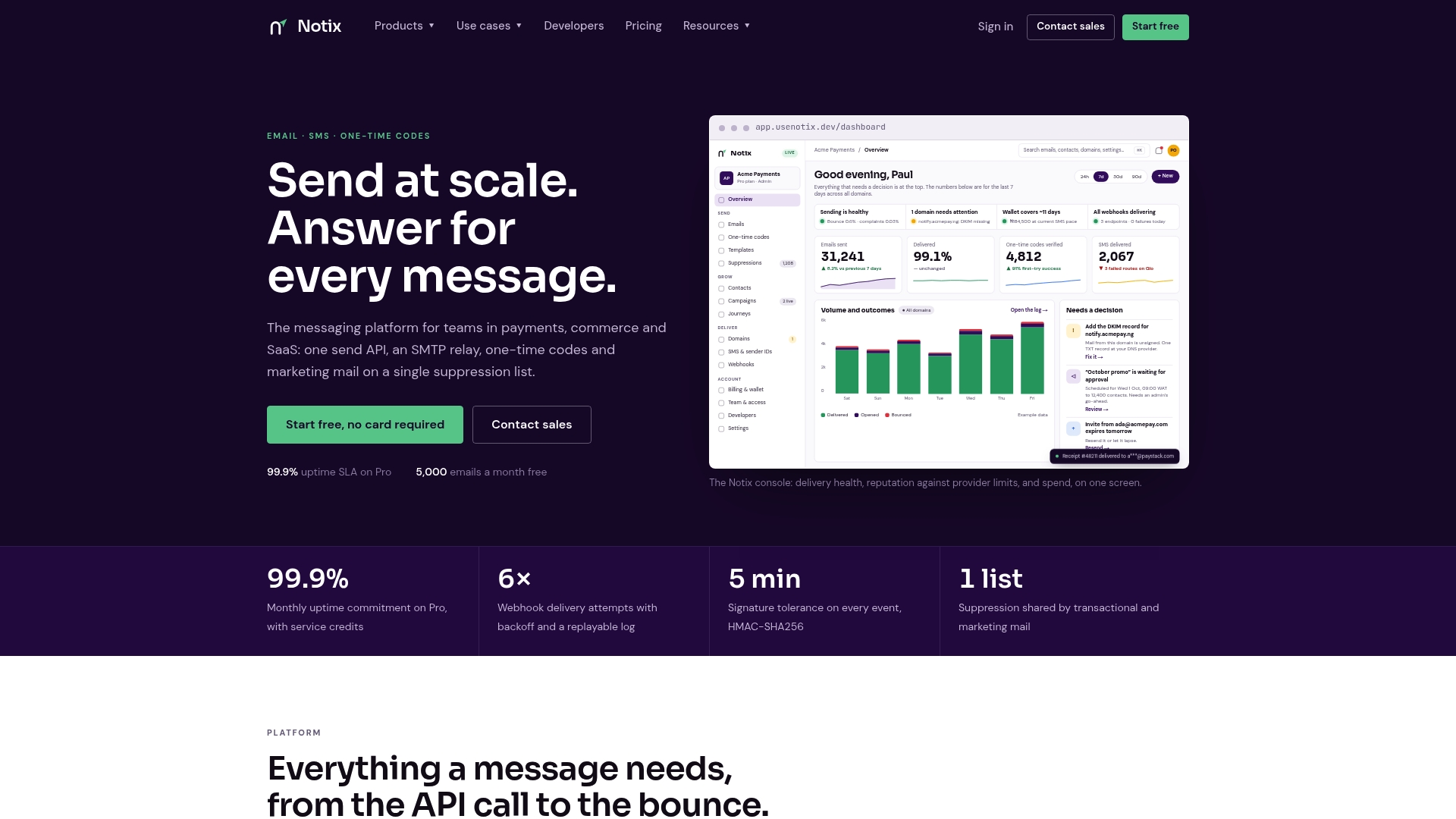
Building a reset flow from scratch means stitching together token logic, a sending domain, deliverability monitoring, and a fallback for SMS verification, usually across more infrastructure than the feature deserves. Notix collapses that into one API for both email and SMS, so a team can ship a link-based or OTP-based reset flow without standing up separate services for each channel.
A few starting points depending on where the team is in the build:
- Review the Email API docs for sending the reset link or notification message itself.
- Check the OTP email use case page if the flow will use a numeric code instead of a link.
- Compare the Free and Pro plans to see which volume tier fits current send patterns, with Pro starting at $15 per month.
The free tier is enough to wire up a reset flow end to end and see how deliverability holds up before committing to a paid plan.
Sources
- Forgot Password - OWASP Cheat Sheet Series
- WSTG - OWASP Web Security Testing Guide
- Siemens Industrial Edge Management | CISA
FAQ
Why am I receiving password reset emails I didn't request?
Someone likely entered your email address into a login or reset form, either by mistake or as part of an automated attempt to test whether your address is registered somewhere. A well-built reset email will tell you to ignore it if you did not make the request, and no action is needed on a single unsolicited message.
What are the signs that your email account has been hacked?
Common signs include password reset emails you did not request, sent messages you did not write, login alerts from unfamiliar locations, or contacts telling you they received strange messages from your address. If several of these show up together, changing your password and reviewing account activity right away is the standard response.
How can I recover my email account password if I've forgotten it?
Use the "forgot password" or account recovery link on your email provider's sign-in page, which typically sends a reset link or code to a backup email address or phone number on file. If you no longer have access to those recovery methods, most providers offer an identity verification process instead.
How do I check if a forgotten password can still be recovered?
Start at your account provider's official recovery page rather than a search result or email link, since that is the only way to confirm what recovery options are actually available for your account. Providers generally list whether a backup email, phone number, or security questions are on file to complete the process.
How long should a password reset link stay valid?
There is no single universal number, but a short window, commonly in the range of 15 to 60 minutes, limits the time an intercepted link stays usable. The OWASP Forgot Password Cheat Sheet recommends invalidating the token immediately after it is used or as soon as it expires, whichever comes first.