
A payment receipt email confirms that money has changed hands, and the single rule that matters most is timing: send it after the payment is captured or funds are confirmed, not the moment someone clicks "submit" at checkout. Every receipt needs a receipt number, the date, payer and payee details, the amount, the payment method, and a short description of what was paid for.
TL;DR:
- Send payment receipts only after funds are confirmed to avoid confirming unsuccessful transactions.
- Include essential fields such as a unique receipt number, date with timezone, payer and payee details, amount with tax breakdown, payment method, and itemized description.
- Use a consistent From address, authenticate your emails, and keep subject lines simple to prevent receipts from landing in spam folders.
- Offer downloadable PDFs for formal record-keeping and enable customers to resubmit receipts via an account portal to reduce support queries.
- Implement webhook verification, deduplication, and event ordering controls to prevent duplicate or out-of-order email sends in automated systems.
Table of Contents
- What to include in every payment receipt email
- When to send the receipt: timing and legal considerations
- Formatting and deliverability best practices for receipts
- Resends, customer retrieval, and developer-safe delivery
- Ready-to-use receipt email templates and subject lines
- How messaging platforms should support payment receipts
- Sending payment receipts through Notix
- Sources
- FAQ
What to include in every payment receipt email
A receipt that is missing a field creates work for your support team and headaches for anyone doing their books. Standard templates, including the fillable one from DocuSign, point to a consistent set of fields that cover both consumer and business needs.
- Receipt number: a unique, sequential or system-generated ID that both your accounting system and the customer can reference later.
- Date of issue: shown with a timezone or clearly labeled as UTC so international customers aren't confused about when the charge happened.
- Payer and payee information: for consumer purchases, a name and email is enough; for B2B transactions, include company name, billing address, and tax ID if applicable.
- Amount, currency, and tax breakdown: show the subtotal, any tax line, and the total, each in the currency actually charged.
- Payment method: card type and last four digits, bank transfer, or wallet name, never the full card number.
- Itemized description: a line per item for multi-item purchases, or a single description field tied to an invoice number for simpler transactions.
- Balance or refund fields: when a payment is partial, state the amount still owed; when a refund applies, state the amount and date.
A link to a downloadable PDF, as DocuSign and similar template providers recommend, gives customers something they can archive outside their inbox, which matters for tax season and expense reports alike.
When to send the receipt: timing and legal considerations
Authorization and capture are not the same event. Authorization checks that funds are available; capture actually moves the money. Sending a receipt right after authorization risks confirming a payment that later fails, so the safer pattern is to trigger the email only after capture or confirmed receipt of funds. Flywire's documentation draws this same line, separating payment confirmation from a merchant's own order receipt and tying the official receipt to confirmed funds.
A few timing rules worth building into your flow:
- Trigger the receipt on the capture or funds-confirmed event from your payment processor, not on form submission.
- For subscriptions, send a fresh receipt on every successful charge, and consider a separate pre-renewal notice a few days ahead for annual plans.
- Attach an official PDF receipt when local tax or regulatory rules expect a formal document rather than an HTML email alone, since requirements vary by country and by transaction type.
Getting this sequencing right avoids the awkward situation where a customer gets a receipt for a payment that bounces.
Formatting and deliverability best practices for receipts
A receipt that lands in spam is worse than no receipt at all. Gmail's sender guidelines recommend keeping message types separated, which means your transactional receipts should use a consistent From: address and ideally a dedicated sending IP, separate from marketing campaigns.
- Keep the From: address stable across every receipt so inboxes and customers learn to trust it.
- Set up SPF, DKIM, and DMARC and monitor sender reputation, since authentication failures are a common reason receipts get filtered.
- Never mix promotional content into a receipt. Save the upsell for a separate campaign and keep the transactional message purely transactional.
- Write a plain subject line such as "Receipt for your payment of $42.00" and include a plain-text fallback for clients that block images or HTML.
- Choose between a PDF attachment and inline HTML based on how the customer will use it: attachments suit formal record-keeping, inline HTML suits a quick glance on a phone.
Pro Tip: Track opens on receipts the same way you would any transactional email, but never include suppressed contacts, since a bounced or opted-out address can flag your whole sending domain.
Treating receipts as their own message category, separate from newsletters and promotions, protects the deliverability of every other email you send.
Resends, customer retrieval, and developer-safe delivery
Customers lose receipts constantly, so a self-service path matters as much as the original send. An account page with downloadable past receipts cuts support tickets immediately, and a "resend receipt" button that logs who requested it and when gives you an audit trail if a dispute comes up later.
On the developer side, webhooks introduce their own risks. Payment processors can and do resend the same event, and sometimes out of order, so a receipt system that fires blindly on every webhook will eventually send duplicates.
- Verify the webhook signature before processing anything, so you're not acting on forged events.
- Deduplicate using the event's own ID or an idempotency key, and skip processing if you've already handled that event.
- Use the event's occurred_at timestamp, or re-fetch the latest payment state, to resolve events that arrive out of order.
- Return a 2xx response quickly and enqueue the actual receipt generation separately, rather than blocking the webhook call.
- Build resends with exponential backoff so a temporary failure doesn't trigger a flood of duplicate attempts.
This pattern, laid out in ReceiptRoller's developer documentation, treats webhooks as triggers rather than ground truth: the receipt only goes out once the latest confirmed state has been checked.
Ready-to-use receipt email templates and subject lines
Four short templates cover most situations. Adjust the bracketed fields to your own data before sending.
Minimal confirmation (one-time sale) Subject: Receipt for your payment of $[amount] "Thanks for your payment. Receipt #[number], dated [date]. Amount: $[amount] via [method]. Download your receipt."
Friendly itemized receipt Subject: Here's your receipt from [business name] "Hi [name], thanks for your order. Here's what you paid for: [item 1, $x], [item 2, $x]. Total: $[amount], charged to [method] on [date]. Questions? Reply to this email or reach [support contact]."
Subscription charge receipt Subject: Your [plan name] payment was successful "Your subscription renewed on [date] for the billing period [start] to [end]. Amount charged: $[amount] to [method]. Your next billing date is [date]. View billing history."
Donation receipt Subject: Thank you for your donation of $[amount] "Thank you for supporting [organization name]. Your donation of $[amount] was received on [date]. Receipt #[number]. [Tax ID / registration number, if applicable]. This receipt may be used for tax purposes where permitted; please check the rules in your own country."
Keep subject lines specific and skip exclamation points. A receipt is a record, not a sales pitch, and customers scan subject lines fast when they're looking for proof of payment.

How messaging platforms should support payment receipts
Receipts sit at the intersection of marketing-grade deliverability and developer-grade reliability, which is why teams tend to outgrow a patchwork of SMTP scripts and spreadsheet logs fairly quickly. A platform built for this job needs signed webhooks so you can trust the events triggering a send, idempotency controls so retries don't create duplicate receipts, and suppression lists that apply across both transactional and marketing messages so a bounced address never slips through.
The receipts that cause the fewest support tickets are the ones nobody has to think about twice: they arrive once, with the right numbers, and never show up twice.
— Paul
Sending payment receipts through Notix
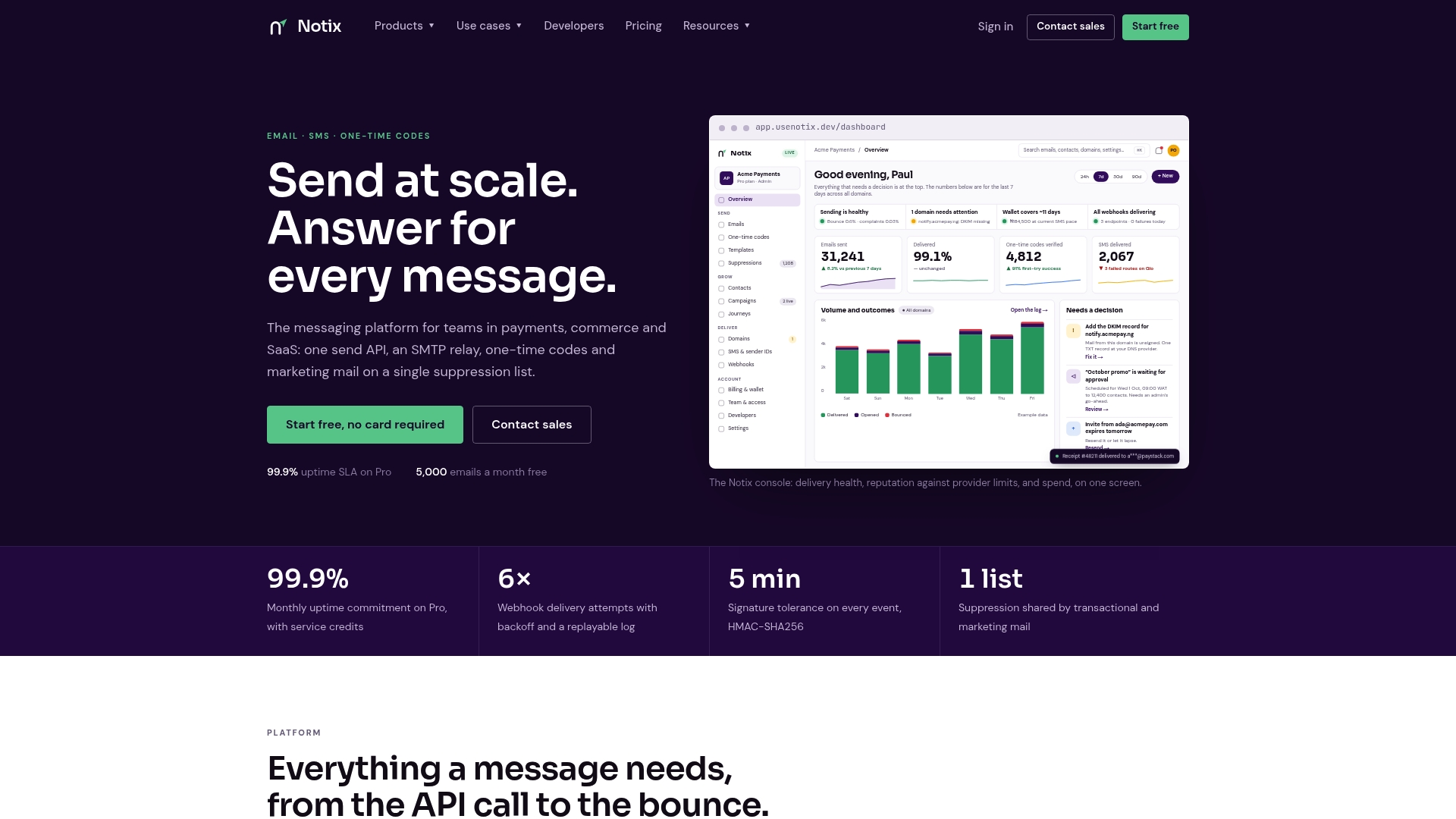
Messaging platforms that offer a single API for both email and SMS enable a payment receipt and an SMS confirmation to run through the same integration instead of two separate tools. Deliverability controls, including authentication support and suppression management, help receipts reach inboxes instead of spam folders, and features like signed webhooks with idempotency support make duplicate-free resends straightforward to build. Check the Email API or the pricing page to get current details and get started.
Sources
- How can I access my Flywire payment receipt
- Email sender guidelines - Gmail Help
- Designing resends, ordering, and idempotency | ReceiptRoller
- Free Payment Receipt Template & Sample | Docusign
FAQ
Why am I getting receipt emails?
A receipt email arrives because a payment you made was captured or confirmed by the merchant or payment processor. It typically includes the amount, date, payment method, and a reference number so you have a record of the transaction.
How do I write a receipt for a payment received?
Include a receipt number, the date of issue, payer and payee details, the amount and currency, the payment method, and a short description of the goods or services, following the standard fields outlined by DocuSign's template. For record-keeping, attach or link a downloadable PDF copy.
How do you politely remind someone to pay an invoice?
Send a short reminder that restates the invoice number, amount due, and due date, and offer a direct way to pay or ask questions. Keep the tone neutral and factual rather than urgent, especially on a first reminder.
How do I confirm receipt of payment by email?
State clearly that the payment was received, include the amount, date, and payment method, and provide a receipt number for the customer's records. Sending this only after the processor confirms capture, rather than right after checkout submission, avoids confirming a payment that later fails.