

You can integrate an SMS API in an afternoon: pick a reliable provider or unified messaging platform, generate API keys, send a test message from a sandbox, and wire up a webhook to catch delivery receipts. The core primitives you will touch are authentication, a send endpoint, and an inbound webhook. Everything else, from OTP security to international compliance, builds on that foundation.
TL;DR:
- Most providers offer a free trial or tier, but ongoing high-volume SMS sending usually incurs a per-message or subscription fee, with Notix's plans starting at $0 and increasing to $15 monthly.
- Direct carrier connections provide lower latency and better delivery insights but come with longer setup times and higher complexity, whereas aggregator routes prioritize global coverage with more reliability trade-offs.
- SMS OTPs should be treated as a secondary authentication factor and complemented with more secure options like passkeys or WebAuthn to mitigate interception risks.
- Using a unified messaging platform reduces management overhead by combining email and SMS into a single API, simplifying credential handling, suppression list synchronization, and webhook verification.
Table of Contents
- What an SMS API is and how the gateway works
- Step-by-step integration workflow from credentials to delivery
- Authentication, encoding, and the details that keep integrations robust
- Why SMS OTPs need backup, and how to implement safer alternatives
- Testing, monitoring, and troubleshooting your integration
- How a unified messaging platform cuts integration work
- Build versus buy: an honest read on messaging infrastructure
- Get SMS and email running on one API
- Sources
- FAQ
What an SMS API is and how the gateway works
An SMS API is the interface your application calls to hand off a text message to a carrier network, and to receive messages or delivery updates back. Providers connect to carriers one of two ways: direct-to-carrier connections, where the provider maintains its own agreements and routes, or aggregator relationships, where the provider resells capacity across many carrier links. Direct connections tend to offer lower latency and tighter delivery visibility. Aggregator routes usually win on global coverage since they can reach countries where building direct carrier relationships would take months.
The trade-off comes down to reliability versus coverage versus cost, and most teams never see the underlying routing decisions because the API abstracts them.
Developers reach for SMS APIs for a handful of recurring jobs:
- One-time passcodes for login or transaction verification
- Transactional alerts like shipping updates or appointment reminders
- Marketing campaigns and promotional blasts
- Two-way conversations, such as support threads or appointment confirmations
A unified email and SMS API adds value when your product needs both channels for the same event — for example, an order confirmation by email with an SMS fallback if the email bounces — since it removes the need to manage two separate authentication schemes and two suppression lists.
Step-by-step integration workflow from credentials to delivery
Most SMS integrations follow the same sequence regardless of provider.
- Create an account and generate API credentials, keeping sandbox keys separate from production keys so test traffic never touches real phone numbers.
- Send a test message through the sandbox endpoint. A typical REST request includes a
tonumber in E.164 format, afromsender ID, and abodyfield, and a successful response returns amessage_idand astatussuch asqueuedorsent. - Register a webhook URL in your account dashboard so the provider can push delivery receipts and inbound replies to your application.
- Verify webhook signatures on every incoming request before processing it, to confirm the payload actually came from your provider and not a forged request.
- Map delivery statuses to user-facing states, for example moving an order record from "SMS queued" to "SMS delivered" or "SMS failed" as receipts arrive.
- Handle rate limits and batching for high-volume sends by queuing messages and applying exponential backoff when the API returns a throttling error.
- Add idempotency keys to your send calls so a retried request after a network timeout does not result in a duplicate text to the customer.
Pro Tip: Log the raw webhook payload for every delivery receipt during your first few weeks in production. Carrier status codes vary enough that you will want the history when you debug your first wave of failed deliveries.
Webhook payloads typically carry the original message_id, a timestamp, and a status enum. Treat each incoming event as a state transition rather than a standalone fact, since receipts can arrive out of order when multiple carrier hops are involved. Building your status-tracking logic around transitions, not raw events, prevents a late "queued" receipt from overwriting a more recent "delivered" one.
Authentication, encoding, and the details that keep integrations robust
Solid SMS integrations get the plumbing right before they worry about volume. A few practices separate a fragile integration from one that survives production traffic.
- Rotate API keys on a schedule and store them in a secrets manager rather than in code or environment files checked into version control.
- Validate webhook signatures on every request using the shared secret your provider issues, rejecting anything that fails the check before your handler touches the payload.
- Use idempotency keys on send requests so retried calls after timeouts do not produce duplicate messages to the same recipient.
- Know your encoding. Standard GSM-7 encoding allows 160 characters per segment; switching to UCS-2 for emoji or non-Latin scripts drops that to 70 characters per segment, and longer messages get split into multiple billed segments.
- Format every number in E.164 (country code plus subscriber number, no spaces or punctuation) before sending, since malformed numbers are a leading cause of silent delivery failures.
- Check sender ID rules per country. Some markets require pre-registered alphanumeric sender IDs, others block them outright and require a long-code number instead.
Getting encoding and formatting right up front avoids two of the most common support tickets: messages that get truncated or split unexpectedly, and messages that never arrive because the destination number was malformed.
Why SMS OTPs need backup, and how to implement safer alternatives
SMS is convenient for one-time codes, but it is not a strong sole factor. Interception techniques like SS7 exploitation and SIM swap attacks put SMS-delivered codes at risk, which is why security guidance recommends treating SMS OTP as a second factor or reserving it for low-risk confirmations rather than primary authentication. Stronger alternatives include passkeys and WebAuthn security keys, which bind credentials to a device and origin instead of a text message.

Stat check: according to MDN's OTP security guidance, browsers can autofill an input marked autocomplete=one-time-code when the SMS itself contains the domain and the code, which reduces both manual entry errors and phishing exposure when the OTP is bound to the requesting origin.
When you do use SMS OTPs, implement them properly:
- Format the message so it ends with a line containing your domain and the code, since the WebOTP API only treats a message as origin-bound when it follows that pattern.
- Mark your input field with
autocomplete=one-time-codeso supporting browsers can autofill it without the user copying digits. - On Android, use the SMS User Consent API, which requires your app to start listening before the SMS is sent and gives the user a short window to grant one-time consent before the code is read.
- Always provide a manual entry fallback for browsers or consent flows that do not cooperate.
Testing, monitoring, and troubleshooting your integration
A working sandbox test is the starting point, not the finish line.
- Send test messages to sandbox numbers and replay webhook events to confirm your handler processes retries and out-of-order receipts correctly.
- Track delivery rate, latency from send to delivered status, and error rate by carrier, watching for trends rather than single failures.
- Investigate malformed-number errors and carrier filtering separately: the first is usually a formatting bug on your end, the second often traces back to message content that trips spam filters or missing opt-out language.
- Build a synthetic end-to-end check that sends a real message on a schedule and confirms the full path from send call to webhook receipt to application state update, so a silent carrier-side issue surfaces before customers notice.
Keeping these checks running continuously, not just at launch, is what catches the slow degradation that carrier-side filtering changes can cause weeks after you thought the integration was done.
How a unified messaging platform cuts integration work
Running email and SMS through separate providers means two authentication schemes, two webhook formats, and two suppression lists to keep in sync. A unified messaging platform can combine both channels behind a single API, reducing the number of credentials and webhook formats you need to manage.
That consolidation shows up in a few concrete ways:
- One-time codes ship as a built-in service rather than something you assemble from a generic send endpoint.
- Double opt-in for contacts and automated suppression apply across both email and SMS, so a bounce or complaint on one channel updates the suppression list the other channel reads from.
- Signed webhooks follow the same verification pattern documented for Notix's webhook signature guide, so your signature-checking code does not fork between channels.
- A published 99.9% uptime SLA gives you a number to build your own availability targets around.
Migrating an existing SMS-only flow typically means mapping your current send and webhook logic onto the combined model: point your OTP flow at the OTP email API use case as a reference for how verification and fallback flows are structured, then extend the same pattern to SMS.
Build versus buy: an honest read on messaging infrastructure
Direct carrier connections make sense only if messaging volume is your product, not a feature of it. For everyone else, a managed platform wins on staffing alone: maintaining carrier relationships, compliance, and deliverability tuning is a full-time job that most product teams should not be hiring for.
— Paul
Get SMS and email running on one API
Building SMS support from scratch means picking a carrier relationship or aggregator, building your own OTP verification service, and maintaining a second suppression list separate from whatever you already run for email. Notix collapses that into one API: the same credentials and the same signed webhook format cover email and SMS, one-time codes come built in rather than hand-rolled, and double opt-in plus automated suppression apply across both channels so a complaint on one stops sends on the other.
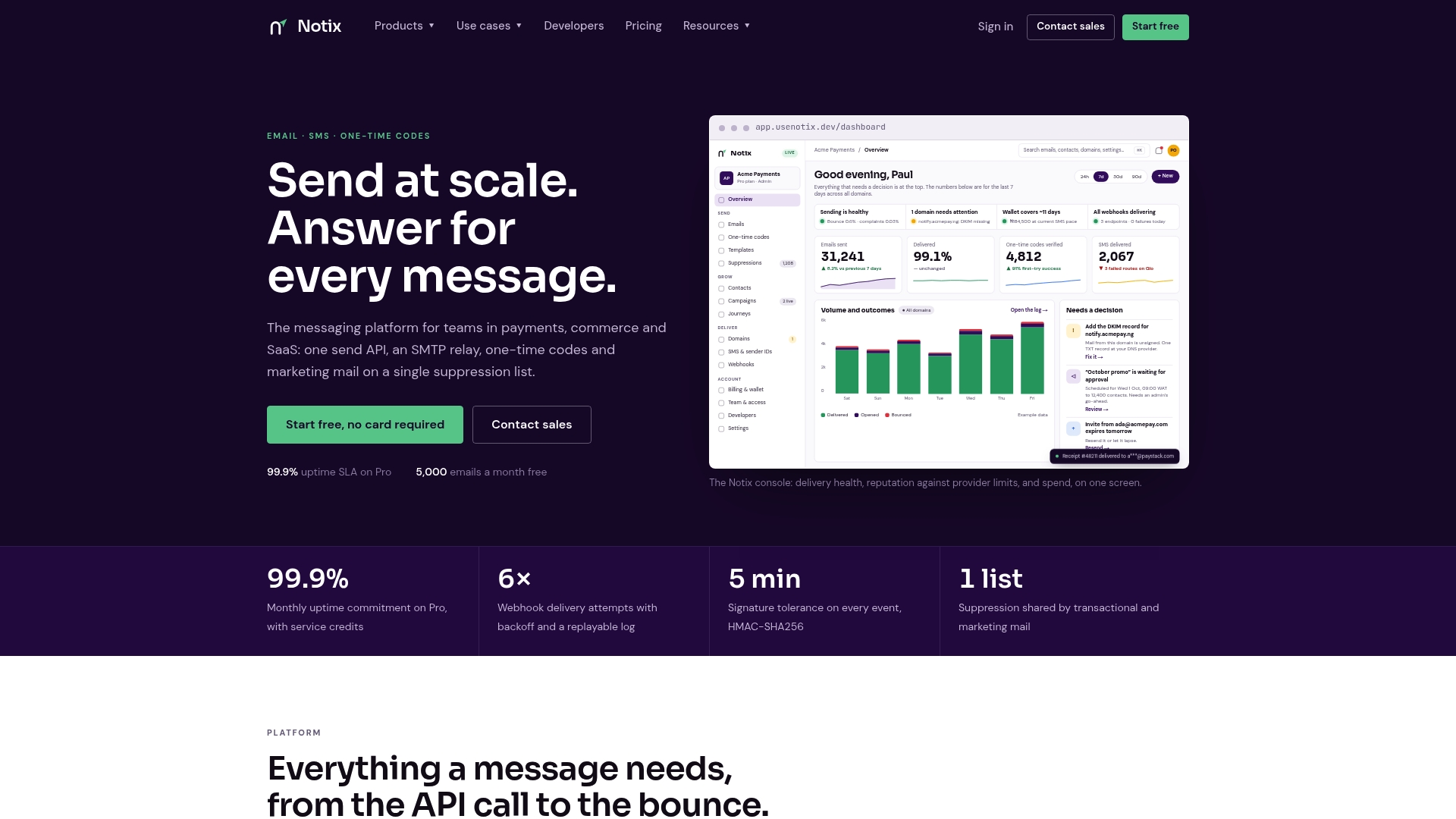
The Free plan costs $0 per month and is the fastest way to send a real test message against production infrastructure instead of a mocked sandbox. When your volume grows, the Pro plan runs $15 per month, and Enterprise agreements are available for teams with higher volume or custom requirements. Check the pricing page and get your first API key issued today.
Sources
- One-time passwords (OTP) - Security | MDN
- Request one-time consent to read an SMS verification code | Google Developers
FAQ
Can I send an SMS using an API?
Yes. You authenticate with an API key, send a POST request with the recipient number, sender ID, and message body, and the provider returns a message ID and status you can track through a webhook.
Is there a free SMS API available?
Most providers offer a free tier or trial credits for testing, though ongoing production sending is typically paid per message or through a subscription plan. Notix's Free plan costs $0 per month and covers initial testing before you move to paid volume.
Is Google SMS API free?
Google does not offer a general-purpose SMS sending API for developers; its SMS-related developer tools, like the SMS User Consent API, handle reading verification codes on Android rather than sending messages. Sending SMS still requires a dedicated SMS API provider.
Which SMS API is the best?
The right choice depends on your coverage needs, budget, and whether you also need email in the same integration. Teams that want one API and one webhook format for both email and SMS, along with built-in one-time codes, often prefer a unified platform like Notix over stitching together separate services.
How do I keep SMS OTPs secure?
Treat SMS OTP as a second factor rather than your only authentication step, since SMS delivery is vulnerable to SIM swap and interception attacks according to MDN's guidance. Where possible, pair it with origin-bound formatting for WebOTP autofill or offer passkeys as a stronger alternative.