
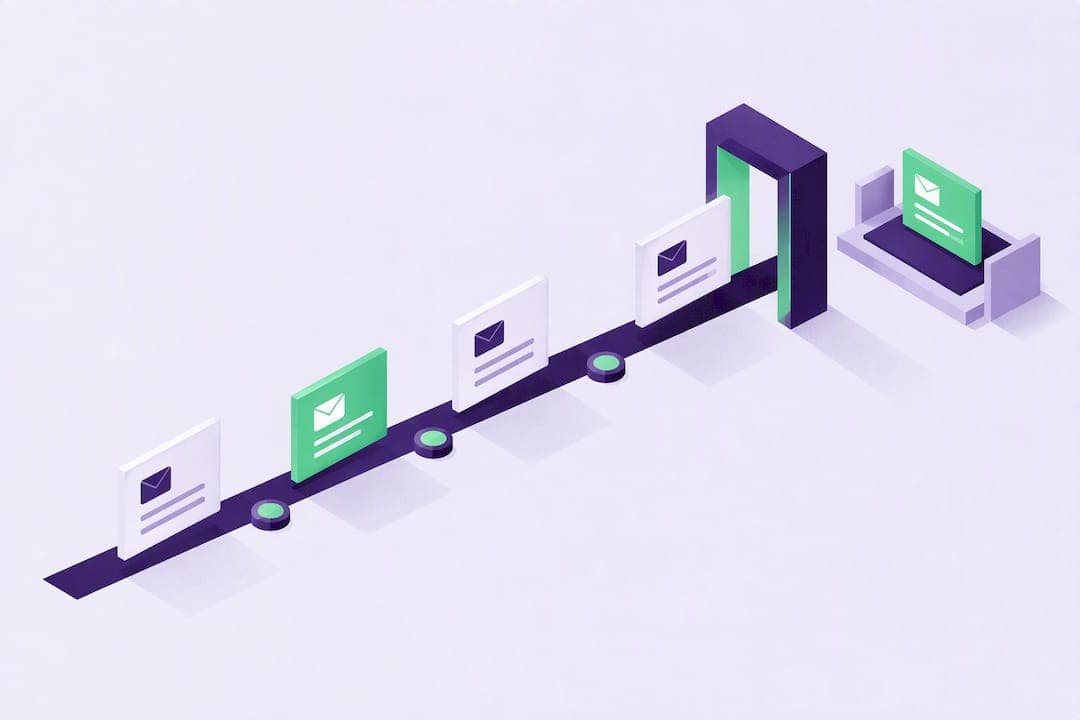
Yes, businesses can schedule SMS messages using four practical methods: device or app schedulers, vendor campaign dashboards, calendar-triggered reminders, or API-based timestamped sends. Pick device scheduling for small, occasional sends, a vendor UI for recurring campaigns, calendar integrations for appointment-heavy businesses, and an API when you need scale, retries, and audit logs. Whichever route you choose, quiet hours, carrier filtering, and consent rules still apply.
TL;DR:
- Scheduling in local recipient time zones improves open rates and reduces the chance of messages being ignored due to quiet hours or device settings.
- Using APIs or campaign dashboards for scheduling allows for advanced controls like retries, logging, and scaling beyond small contact lists.
- Compliance requires rechecking consent and opt-out status at the moment of sending, not just when the message is scheduled, to prevent legal issues.
- Testing should verify quiet-hour deferrals, delivery reports, and opt-out actions to ensure scheduled messages are reliably sent and received.
- Most failures occur when scheduling systems do not continuously sync suppression and consent status, risking messaging contacts who have unsubscribed.
Table of Contents
- Why schedule SMS: benefits and typical business use cases
- How to schedule SMS: device apps, vendor tools, and APIs
- Timing, quiet hours, and why some scheduled texts go unseen
- Consent, opt-out, and compliance checklist for scheduled SMS
- Operational checklist: setup, testing, monitoring, and measurement
- Publisher perspective: what most scheduling setups get wrong
- Why teams choose Notix for scheduled messaging
- Sources
- FAQ
Why schedule SMS: benefits and typical business use cases
Scheduled SMS turns reactive messaging into a planned system. Appointment-based businesses use it to send reminders a day or an hour ahead, which cuts down on no-shows without anyone manually texting each client. Subscription and billing teams schedule renewal notices and payment confirmations so customers get consistent, predictable updates. Marketing teams schedule campaign sends for times when open rates historically peak, rather than firing messages the moment content is ready.
- Appointment reminders reduce missed bookings for clinics, salons, and service businesses.
- Recurring billing alerts keep subscription customers informed without manual follow-up.
- Scheduled campaigns let you segment audiences by time zone or purchase history and send at the moment each group is most likely to respond.
- Transactional status updates, like shipping confirmations, can be queued to fire automatically as fulfillment milestones happen.
The businesses that get the most out of this shift track a small set of outcomes: fewer no-shows, steadier campaign timing, and less staff time spent on manual sends.
How to schedule SMS: device apps, vendor tools, and APIs
The right method depends on volume, personalization needs, and how much control you want over delivery logic.
- Device or app scheduling. Some phone messaging apps and lightweight business tools let you queue a text to send at a set time. This works for a handful of one-off reminders but does not scale past a small contact list and offers no reporting on delivery or opt-outs.
- Vendor campaign UI. Most SMS marketing platforms include a scheduler where you pick a send time, choose an audience segment, and set the message to repeat daily, weekly, or on a custom cycle. These interfaces typically show a preview of who will receive the message and let you personalize fields like name or appointment time before the send goes live.
- Calendar integrations. Businesses that run appointments often connect a scheduling tool to Google Calendar or a video platform like Zoom, triggering a reminder text automatically when an event is booked, and a follow-up if the client reschedules or cancels.
- API or timestamped sends. Developers building custom workflows use an API to schedule a message for a future timestamp, often tied to a customer action like a cart abandonment or a subscription renewal date. This approach supports time zone conversion, automatic retries on failure, and logs that record when a message was queued, sent, and delivered, which matters for both debugging and compliance. Notix documents this pattern in its guide to batch and scheduled sends, including how timestamps and suppression checks work together.
Smaller operations often start with a vendor UI and move to an API once volume or customization outgrows the dashboard.
Timing, quiet hours, and why some scheduled texts go unseen
A message can be sent successfully and still never get noticed. Recipient local time matters more than the sender's clock: a campaign scheduled for 9 a.m. in your time zone might land at 4 a.m. for a customer three zones away.
- Schedule sends in the recipient's local time whenever your platform supports it, rather than a single global timestamp.
- Expect quiet-hours rules to defer messages rather than send them immediately. HubSpot's documentation on SMS quiet hours describes how messages sent during a contact's quiet hours are deferred to the next permitted window, and recommends that scheduling tools show which recipients will be deferred before you confirm the send.
- Carriers filter some business traffic differently depending on whether you use a short code or long code. T-Mobile's message blocking guidance explains that account or device-level blocking can stop a legitimate business text from arriving at all.
- Device settings add another layer: Android's Do Not Disturb and Modes features can silence a notification even when the message was delivered.
A message can be marked "delivered" in your carrier logs while the recipient's phone never made a sound, because Do Not Disturb and carrier filtering operate independently of delivery confirmation. That gap is why testing on real devices matters more than trusting a dashboard status alone.
Consent, opt-out, and compliance checklist for scheduled SMS
Scheduling adds a timing gap between when a customer agrees to receive texts and when the message actually goes out, which is exactly where compliance gaps show up.
- Store consent alongside the contact record and the date it was granted, so you can prove a recipient agreed to messaging before the scheduled send.
- Confirm express consent before adding anyone to a recurring or marketing schedule, not just a general inquiry.
- Include a working STOP command and a HELP reply in every scheduled message, and apply the opt-out immediately across all queued sends, not just future campaigns.
- Identify your business by name or brand in the message body so recipients know who is texting them.
- Check regional rules before scheduling internationally. New Zealand's Mobile Messaging Services Code requires a subscription confirmation message, a visible STOP command, and prompt opt-out handling, and similar frameworks exist in other markets.
- Re-check consent and suppression status at the moment a scheduled message actually sends, not only when it was originally queued, since a customer may opt out in between.
A scheduler that only checks consent once, at creation time, can still send to someone who withdrew consent an hour later. Building that recheck into your workflow is the difference between a compliant system and a liability.
Operational checklist: setup, testing, monitoring, and measurement
Getting scheduled SMS running reliably takes more than picking a send time.
- Setup: choose the right sender ID type for your volume, decide on a time zone strategy for recipients, and connect your suppression list and consent records before your first scheduled campaign.
- Testing: send test messages to different device types, confirm quiet-hours deferral behaves as expected, and verify a STOP reply actually removes a contact from future scheduled sends.
- Monitoring: track delivery rates, review blocked or undelivered reports, and keep an eye on retry logic and rate limits so a backlog doesn't build up silently.
- Measurement: watch delivery rate, response rate, and outcome-specific metrics like reduced no-shows for appointment reminders.
Pro Tip: Run your first scheduled campaign on a small test segment and check the delivery report before scaling it to your full list.
Publisher perspective: what most scheduling setups get wrong

The failures I see most often aren't about picking the wrong tool, they're about treating scheduling as a one-time setup instead of a system that needs to recheck itself. A campaign scheduled two weeks out with no suppression sync will happily message someone who unsubscribed on day three. A dashboard that shows "sent" without distinguishing carrier delivery from device notification gives teams false confidence.
Notix builds scheduled sending around that gap: batch and scheduled sends check suppression status at send time, double opt-in keeps contact lists clean before a schedule is even created, and unified suppression means an opt-out from an email channel also blocks a queued SMS.
— Paul
Why teams choose Notix for scheduled messaging
Notix gives developers, e-commerce teams, payment platforms, and SaaS businesses one API for both email and SMS instead of stitching together separate tools. Scheduled sends, double opt-in, and suppression syncing work across channels by default, so a contact who opts out of one doesn't keep receiving the other.
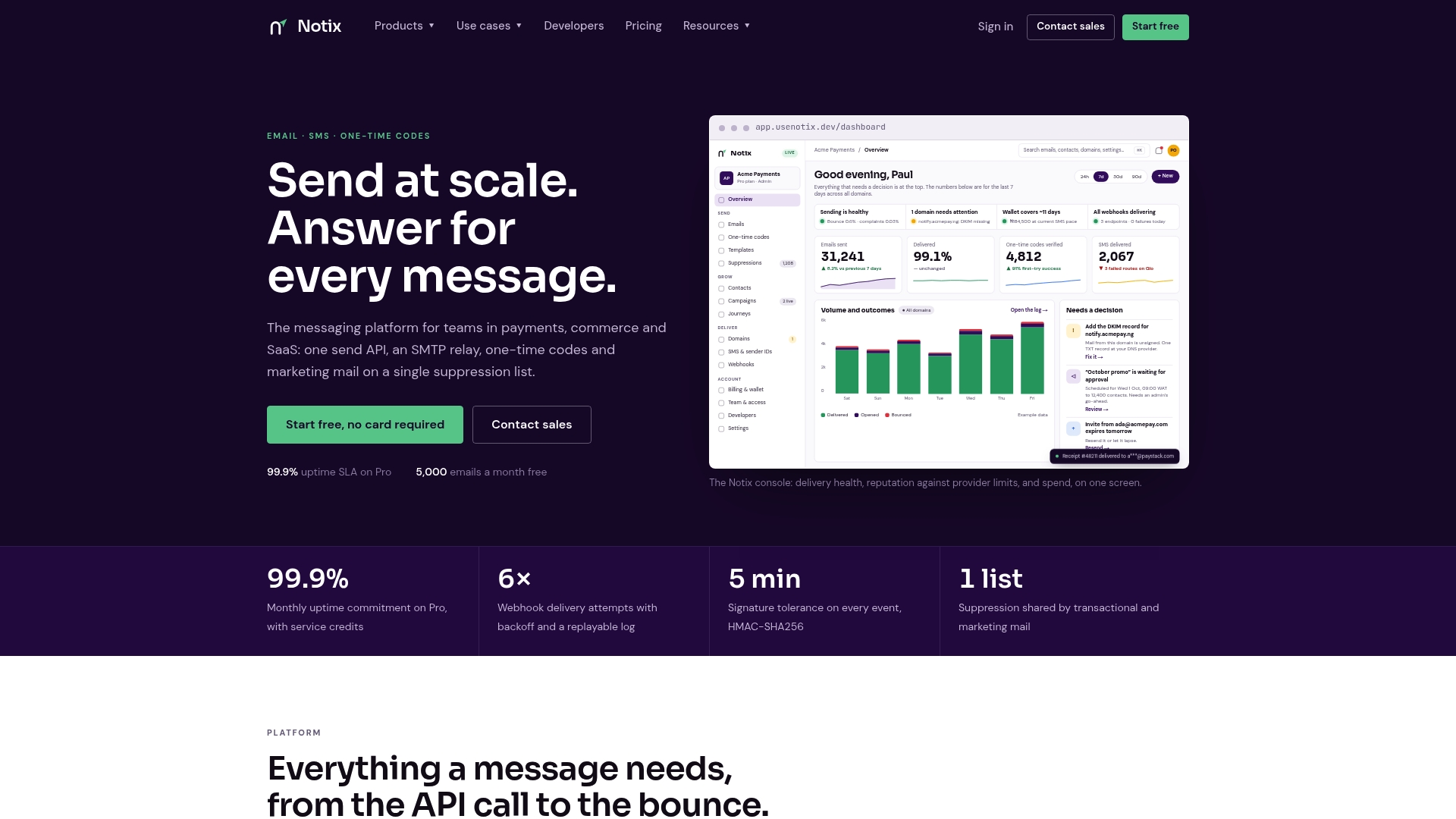
For teams weighing whether to build scheduling logic in-house or use existing infrastructure, the Email API documentation covers setup for developers, and the pricing page lists the Free plan at $0 per month and Pro at $15 per month, with Enterprise available on request.
Sources
- Limit interruptions with Modes & Do Not Disturb on Android — Android Help
- Scam Shield and message blocking — T-Mobile Support
- Mobile Messaging Services Code — Telecommunications Forum NZ
FAQ
Is it possible to schedule an SMS?
Yes, businesses can schedule SMS through device apps, vendor campaign dashboards, calendar integrations, or an API for timestamped sends. The right method depends on your volume and how much control you need over timing and personalization.
What is the best SMS scheduling app for businesses?
There is no single best app, it depends on your workflow: a vendor campaign dashboard suits recurring marketing sends, calendar integrations fit appointment reminders, and an API suits developers who need retries and audit logs. Notix, for example, supports batch and scheduled sends through its API for teams that need that level of control.
Can someone tell if a text message was scheduled?
Recipients generally cannot tell a scheduled text from one sent manually, since the message arrives at the set time with no visible marker. The only clue is timing itself, such as a message consistently arriving at the same hour each week.
Can I schedule text messages to myself?
Yes, most phone messaging apps let you schedule a text to your own number the same way you would to any other contact. This is useful for personal reminders but does not offer the delivery tracking or suppression handling that a business messaging platform provides.